

Free Custom Trading BotFree DCA Trading BotFree Grid Trading BotWebhook BotFree Copy Trading BotFree Smart Money BotFree CRT Trading BotFree AI Trading AgentTrading TerminalAI CoachNotificationsBacktest
Centralized (CEX)
 Binance
 Bybit
Bybit OKX
OKX KuCoin
 Kraken
 BloFin
 Coinbase
 Crypto.com
Decentralized (DEX)
 Hyperliquid
 GRVT
GRVT AsterDEX
 Extended
 Decibel
 StandX
 Phoenix
Trading
Timeframes & Entry Modes
Updated March 11, 2026
The timeframe and entry mode you choose directly impact how often your bot trades and how it identifies trade opportunities.
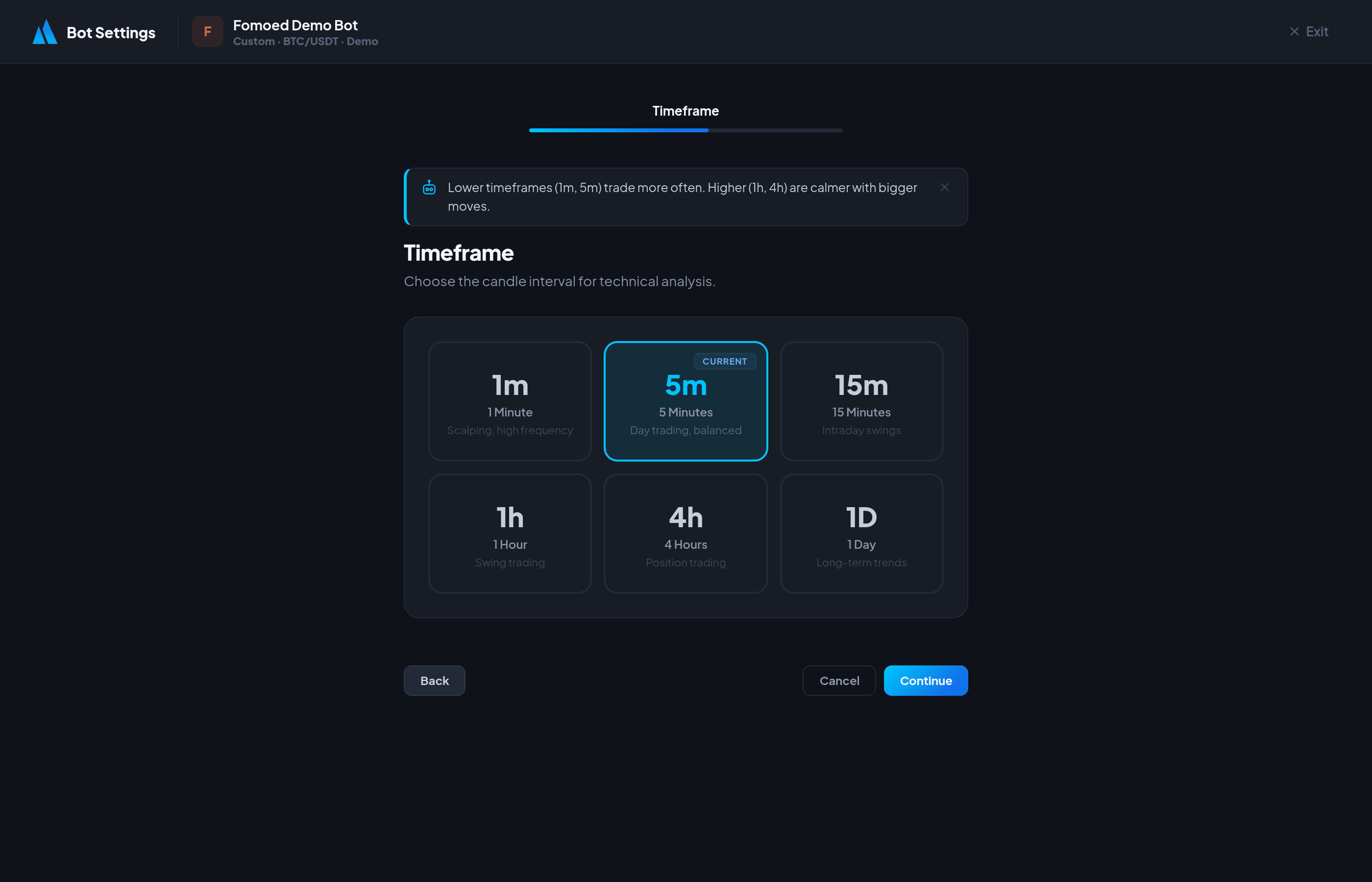
Timeframes
The timeframe determines the candle interval your bot analyzes for signals:
| Timeframe | Best For | Trade Frequency |
|---|---|---|
| 1m | Scalping | Very high |
| 5m | Scalping / Day trading | High |
| 15m | Day trading | Medium |
| 1h | Day / Swing trading | Medium-Low |
| 4h | Swing trading | Low |
| 1d | Long-term swing | Very low |
Entry Modes
Confirmed Entry
Waits for full signal confirmation before entering a position. This means the candle must close with the signal intact. Fewer false signals, but slightly delayed entries.
Aggressive Entry
Enters the position as soon as the signal condition is met, without waiting for candle close. Faster entries but more susceptible to false signals (wicks).
Recommendation: Use Confirmed entry mode for most strategies. Only use Aggressive if you're scalping on very short timeframes where speed matters more than signal quality.
Did this answer your question?